Claude Code Desktop Third-Party API Quick Start: GUI Configuration
Configure Claude Code Desktop with a third-party Base URL, API Key, and model ID, then verify calls to Claude, GPT, Gemini, and other models.
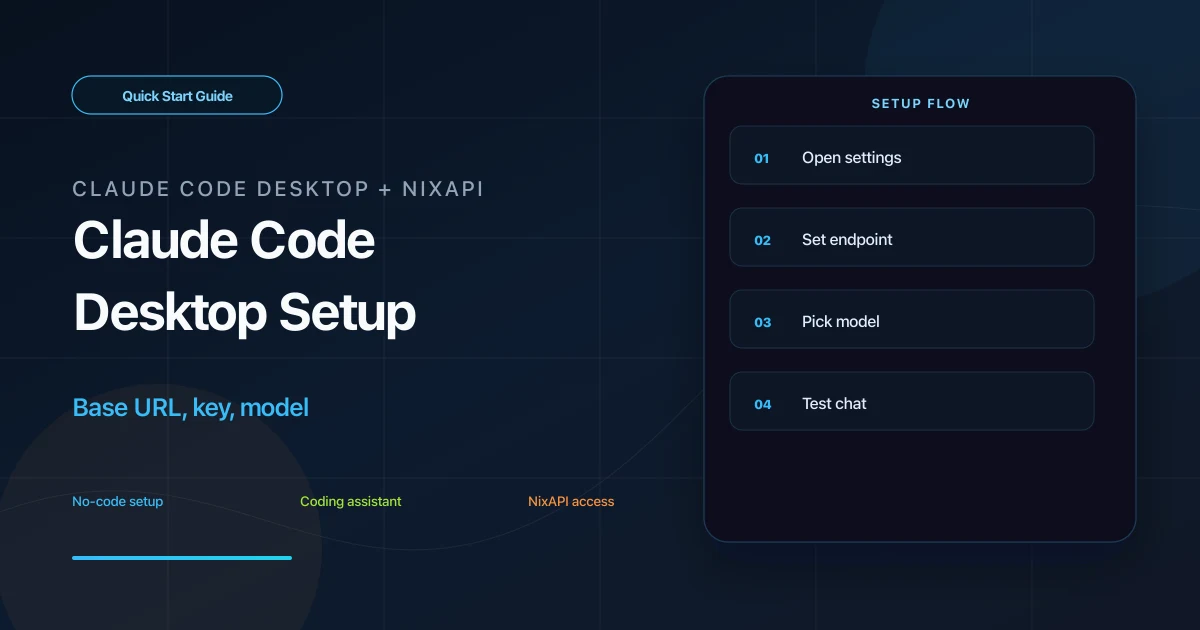
Claude Code Desktop supports custom model endpoints through its settings UI. By entering a NixAPI Base URL and API Key, you can use Claude, GPT, Gemini, DeepSeek, and other models from the desktop app.
This guide is for users who prefer the graphical settings panel over editing configuration files.
Prerequisites
Make sure you have:
- Claude Code Desktop installed
- A NixAPI API Key
- A version of Claude Code Desktop that supports custom API, provider, or endpoint settings
If you do not have a key, create one from the NixAPI console. A name such as claude-code-desktop makes usage easier to identify later.
Step 1: Open Settings
Start Claude Code Desktop and open settings. Depending on your system and version, the entry may be:
- A gear icon in the top-right corner
- Settings in the macOS menu bar
- An API or Provider settings entry near the bottom of the sidebar
Look for fields such as:
Model ProviderAPI Base URLEndpointAPI KeyModel
The labels may vary, but the meaning is the same.
Step 2: Enter NixAPI Details
Fill in:
| Field | Value |
|---|---|
| API Base URL / Endpoint | https://nixapi.com/v1 |
| API Key / Auth Token | nix-your-api-key |
| Model | For example, claude-sonnet-4-20250514 |
The Base URL must include /v1:
https://nixapi.com/v1
Do not enter only https://nixapi.com, and do not add extra spaces.
Suggested models:
claude-sonnet-4-20250514claude-opus-4-7gpt-5.4gemini-3-pro-previewdeepseek-v4
The full model list and prices are available on the NixAPI supported models page.
Step 3: Save and Test
Save the settings. Return to the main Claude Code Desktop window, start a new chat, and send:
Hello. Explain in three sentences how you can help me write code.
If a response appears within a few seconds, the desktop app is calling the model through NixAPI.
If the app keeps loading, fully quit and reopen it. Some desktop apps only load API settings on startup.
Step 4: Switch Models by Task
Once the endpoint and key are configured, you usually only need to change the model:
- Daily coding tasks:
claude-sonnet-4-20250514 - Complex architecture or refactoring:
claude-opus-4-7 - General text and code tasks:
gpt-5.4 - Long-context experiments:
gemini-3-pro-preview - Cost-sensitive work: check the NixAPI model pricing page
NixAPI currently has a limited-time top-up exchange rate: RMB 0.80 = USD 1.00. Check your balance before continuous coding sessions.
Troubleshooting
401 Unauthorized
The API Key is invalid or incomplete. Copy it again from the NixAPI console, and make sure it has no leading or trailing spaces.
404 Not Found
Check the Base URL:
https://nixapi.com/v1
Missing /v1 is the most common cause.
model not found
The model ID does not match the platform list. Copy the exact ID from the NixAPI supported models page.
Settings do not apply
Fully quit Claude Code Desktop and reopen it. Closing the window may not reload the configuration.
Timeout on a company or campus network
Try another network. If curl cannot reach https://nixapi.com/v1 either, the problem is likely at the network layer.
Summary
Claude Code Desktop third-party API setup is simple: enter https://nixapi.com/v1, an API Key, and a model ID, save, then restart and test. After that, switching models only requires changing the model name.
Try NixAPI Now
Reliable LLM API relay for OpenAI, Claude, Gemini, DeepSeek, Qwen, and Grok with ¥1 = $1 top-up
Sign Up Free