Claude Code CLI Third-Party API Quick Start: Environment Variable Setup
Use ANTHROPIC_BASE_URL, ANTHROPIC_API_KEY, and ANTHROPIC_MODEL to make Claude Code CLI call a third-party API, including the no-/v1 Base URL detail.
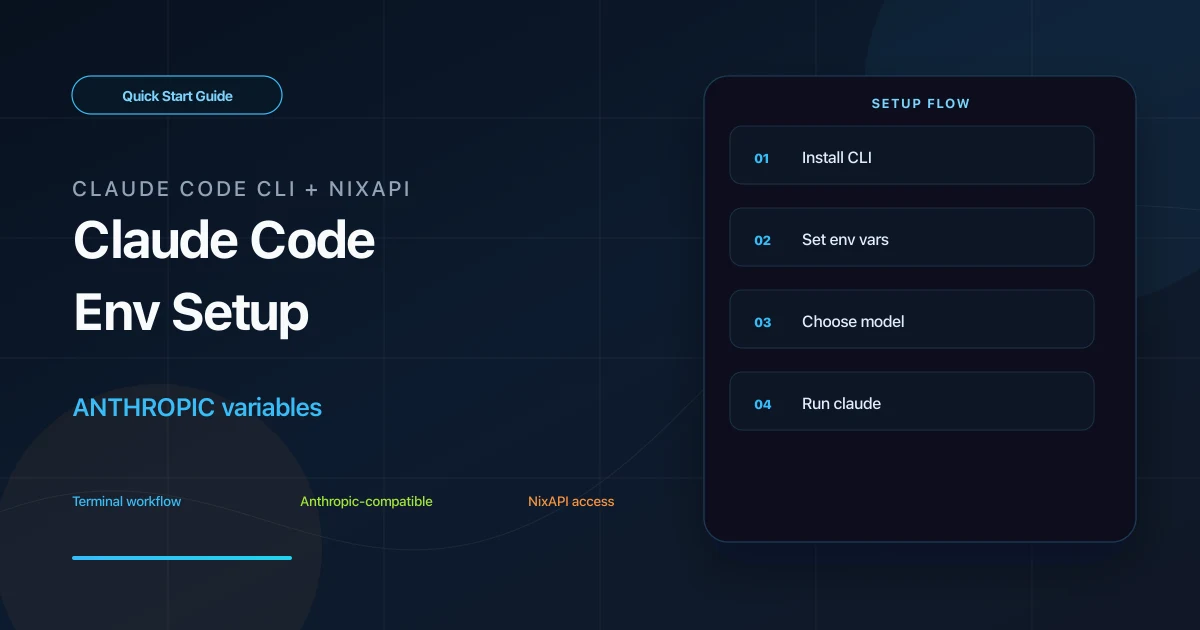
Claude Code CLI can be pointed to a third-party model endpoint through environment variables. With NixAPI configured, you can keep using the claude command while sending model requests to a NixAPI-compatible endpoint.
The three key variables are:
ANTHROPIC_BASE_URLANTHROPIC_API_KEYANTHROPIC_MODEL
Important: for Claude Code CLI, set ANTHROPIC_BASE_URL to https://nixapi.com without /v1.
Prerequisites
Check Node.js first:
node -v
Node.js 18 or later is recommended. If it is missing, install it from the Node.js website.
Then create a NixAPI API Key from the NixAPI console. Copy model IDs from the NixAPI supported models page.
Step 1: Install Claude Code CLI
For macOS, Linux, or WSL:
curl -fsSL https://claude.ai/install.sh | bash
For Windows PowerShell:
irm https://claude.ai/install.ps1 | iex
Verify installation:
claude --version
If the command is not found, reopen the terminal and check the PATH instructions from the installer.
Step 2: Set Environment Variables
macOS / Linux / WSL
For the current terminal:
export ANTHROPIC_BASE_URL=https://nixapi.com
export ANTHROPIC_API_KEY=nix-your-api-key
export ANTHROPIC_MODEL=claude-sonnet-4-20250514
To make it persistent in zsh:
echo 'export ANTHROPIC_BASE_URL=https://nixapi.com' >> ~/.zshrc
echo 'export ANTHROPIC_API_KEY=nix-your-api-key' >> ~/.zshrc
echo 'export ANTHROPIC_MODEL=claude-sonnet-4-20250514' >> ~/.zshrc
source ~/.zshrc
Windows PowerShell
[Environment]::SetEnvironmentVariable("ANTHROPIC_BASE_URL", "https://nixapi.com", "User")
[Environment]::SetEnvironmentVariable("ANTHROPIC_API_KEY", "nix-your-api-key", "User")
[Environment]::SetEnvironmentVariable("ANTHROPIC_MODEL", "claude-sonnet-4-20250514", "User")
Close PowerShell and reopen it.
Do not add
/v1here. Claude Code CLI usesANTHROPIC_BASE_URLand builds paths differently from the OpenAI SDK.
Step 3: Optional config.json
If you prefer a local config file, create:
- macOS / Linux:
~/.claude/config.json - Windows:
C:\Users\your-name\.claude\config.json
Example:
{
  "env": {
    "ANTHROPIC_BASE_URL": "https://nixapi.com",
    "ANTHROPIC_API_KEY": "nix-your-api-key",
    "ANTHROPIC_MODEL": "claude-sonnet-4-20250514"
  }
}
Save the file and reopen your terminal.
Step 4: Start Claude Code
Enter your project:
cd your-project
claude
If you previously logged in with an official account and the CLI still asks for official authentication, run:
/logout
Restart the CLI so it picks up the environment variables.
Test with:
Read the current project structure and give me a short code-quality checklist.
If you get a response, Claude Code CLI is using the configured endpoint.
Model Suggestions
Start with:
claude-sonnet-4-20250514: daily coding, fixes, explanationsclaude-opus-4-7: deeper architecture analysis and long tasksgpt-5.4: general text and code tasksdeepseek-v4: coding and reasoning comparison
Pricing varies by model. Check the NixAPI model pricing page before long-running tasks. NixAPI currently has a limited-time top-up exchange rate: RMB 0.80 = USD 1.00.
Troubleshooting
claude doctor shows network issues
Check whether the current terminal can read the variables:
echo $ANTHROPIC_BASE_URL
echo $ANTHROPIC_MODEL
In PowerShell:
echo $env:ANTHROPIC_BASE_URL
echo $env:ANTHROPIC_MODEL
If they are empty, the environment variables are not loaded.
API Key error
Check that ANTHROPIC_API_KEY contains a valid key from the NixAPI console and has no extra spaces.
Model not found
Copy the exact model ID from the NixAPI supported models page.
Why no /v1?
This is a Claude Code CLI-specific detail. Use:
https://nixapi.com
Do not use:
https://nixapi.com/v1
Summary
Claude Code CLI third-party API setup is driven by environment variables. With ANTHROPIC_BASE_URL=https://nixapi.com, ANTHROPIC_API_KEY, and ANTHROPIC_MODEL set correctly, the claude command can call models through NixAPI.
Try NixAPI Now
Reliable LLM API relay for OpenAI, Claude, Gemini, DeepSeek, Qwen, and Grok with ¥1 = $1 top-up
Sign Up Free