Cursor Third-Party API Quick Start: Configure a Custom OpenAI Base URL
Configure a third-party API Key and Override OpenAI Base URL in Cursor Pro, add Claude, GPT, Gemini, and other models, then verify the setup.
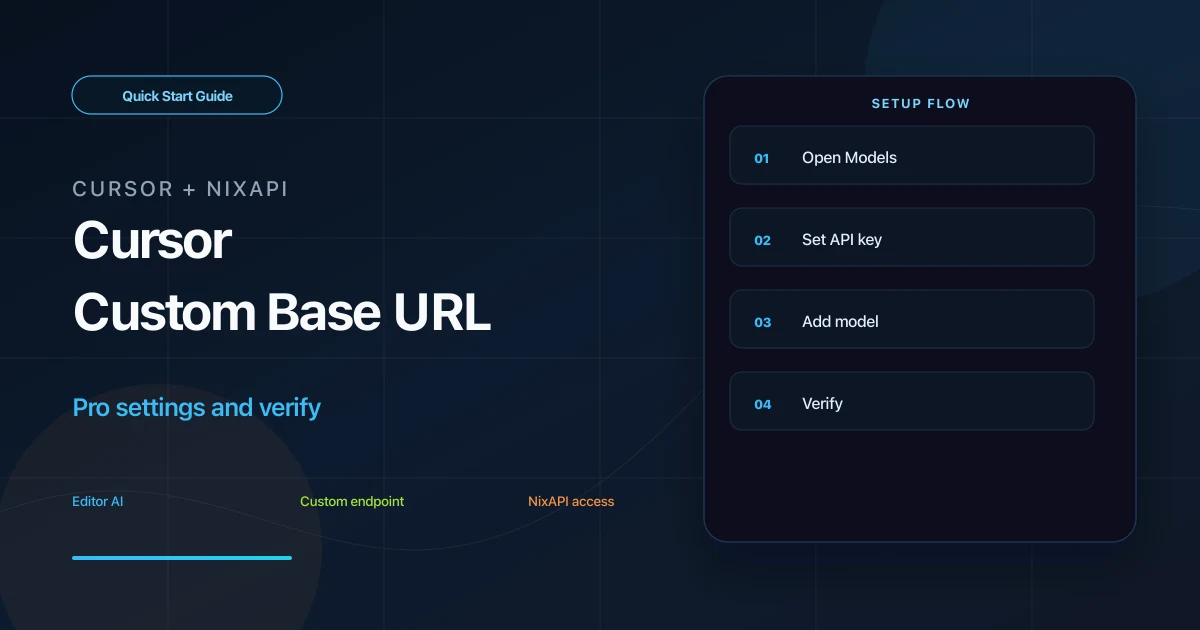
Cursor supports custom OpenAI Base URLs on Pro or higher plans. With NixAPI configured, you can use Claude, GPT, Gemini, DeepSeek, and other models inside Cursor.
This guide covers the key settings: API Key, Override OpenAI Base URL, model creation, and Verify.
Prerequisites
Make sure:
- You have Cursor Pro or a higher plan
- You have a NixAPI API Key
- Your Cursor version supports custom OpenAI Base URL
If the free version does not show the custom Base URL field, it cannot follow this setup directly. See the fallback option at the end.
Create an API Key in the NixAPI console. Model list and prices are on the NixAPI pricing page.
Step 1: Open Cursor Models Settings
Open Cursor settings:
Settings → Models
Find the OpenAI API Keys section. You need two settings:
- OpenAI API Key
- Override OpenAI Base URL
Step 2: Enter API Key and Base URL
In the OpenAI API Key field:
nix-your-api-key
In Override OpenAI Base URL:
https://nixapi.com/v1
Enable both switches:
- OpenAI API Key
- Override OpenAI Base URL
Many failed setups happen because one switch is left off. When both are enabled, Cursor usually shows a warning or indicator that a custom endpoint is active.
Step 3: Add Models
Find Add Model and add the NixAPI model IDs you want to use.
Suggested models:
claude-sonnet-4-20250514claude-opus-4-7gpt-5.4gemini-3-pro-previewdeepseek-v4
The model ID must match NixAPI exactly. For example, do not shorten claude-sonnet-4-20250514 to claude-sonnet.
Use the NixAPI supported models page as the source of truth.
Step 4: Verify and Test Chat
Click Verify next to the model.
If there is no error, open Cursor Chat or Composer, choose the model, and send:
Explain the main logic of the current file and suggest one improvement.
If it responds normally, Cursor is using the configured third-party API.
Use curl to Isolate API Issues
If Cursor Verify fails, test the API directly:
curl https://nixapi.com/v1/chat/completions \
  -H "Content-Type: application/json" \
  -H "Authorization: Bearer nix-your-api-key" \
  -d '{
    "model": "claude-sonnet-4-20250514",
    "messages": [{"role": "user", "content": "Explain who you are in one sentence"}]
  }'
If curl works, check Cursor switches and model selection. If curl fails, check the key, balance, model name, and network.
Troubleshooting
Verify returns 401
The API Key is wrong, or the OpenAI API Key switch is not enabled. Copy the key again from the NixAPI console.
Verify returns 404
The model name or Base URL is wrong. Cursor should use:
https://nixapi.com/v1
Copy model IDs from the NixAPI supported models page.
No custom Base URL field
Check your Cursor plan and version. Cursor free plans usually do not support custom Base URL.
Chat works but code completion does not
Return to Models settings, make sure the model is enabled, and check whether Cursor has a separate model setting for code completion.
Cost control
Use different models for chat and completion. Check the NixAPI pricing page before long-term use. NixAPI currently has a limited-time top-up exchange rate: RMB 0.80 = USD 1.00.
Free Plan Fallback
If you do not have Cursor Pro and cannot set a custom Base URL, you can still call NixAPI from Cursor’s built-in terminal:
from openai import OpenAI

client = OpenAI(
    api_key="nix-your-api-key",
    base_url="https://nixapi.com/v1",
)

response = client.chat.completions.create(
    model="claude-sonnet-4-20250514",
    messages=[
        {"role": "user", "content": "Write a quicksort function in Python"}
    ],
)

print(response.choices[0].message.content)
This does not provide native Cursor completion or Composer integration, but it can verify that NixAPI model calls work for your use case.
Summary
Cursor third-party API setup requires Cursor Pro, https://nixapi.com/v1, a valid API Key, and exact model IDs. Once configured, Cursor Chat, Composer, and some completion features can use NixAPI models.
Try NixAPI Now
Reliable LLM API relay for OpenAI, Claude, Gemini, DeepSeek, Qwen, and Grok with ¥1 = $1 top-up
Sign Up Free