Gemini API Managed Agents - Practical Guide
A hands-on guide to building autonomous AI agents with Google Gemini API's Managed Agents and Interactions API. Learn to create file processing and data analysis agents.
Gemini API Managed Agents - Practical Guide
How to build autonomous AI agents with Google Gemini API? From concepts to实战 code, learn to create intelligent agents that execute tasks using the Interactions API.
What Are Managed Agents?
Traditional software workflows are prescriptive (Step A → Step B → Step C), while Agents are systems that use LLMs to dynamically decide the control flow to achieve user goals.
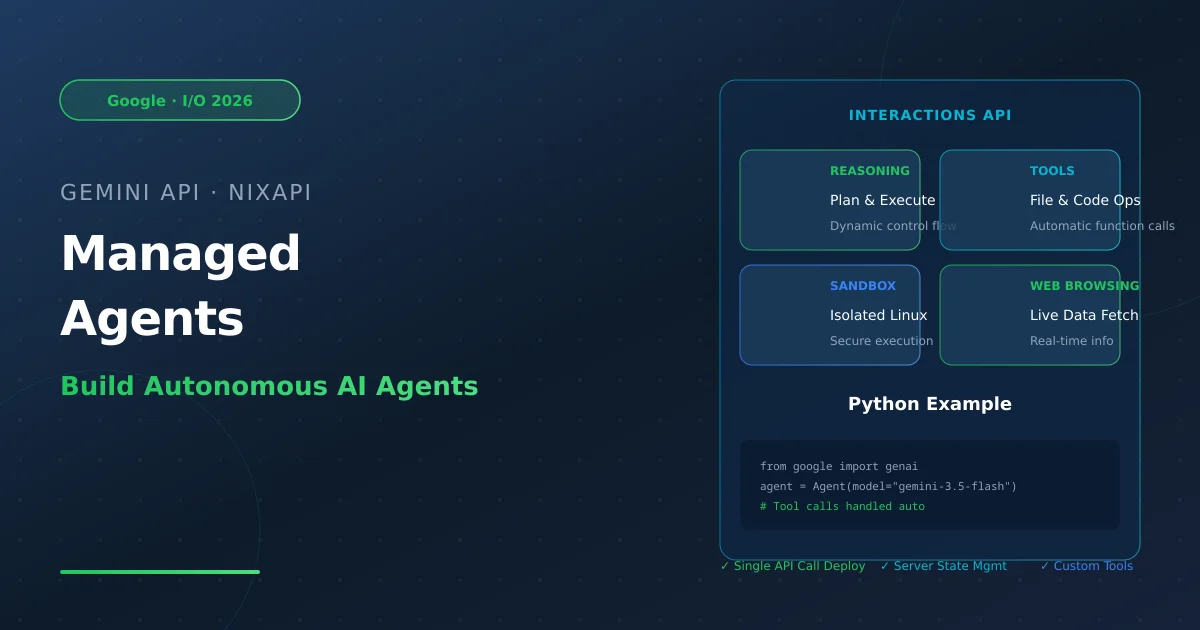
In May 2026, at Google I/O 2026, Google released Managed Agents in the Gemini API, letting you spin up autonomous agents with a single API call that can reason, plan, browse the web, and execute code in isolated Linux sandbox environments.
Core Capabilities:
- Reasoning & Planning: Analyze complex requests and plan execution steps
- Tool Calling: Automatically call external functions (search, file ops, API calls)
- Code Execution: Run Python/Shell code in isolated cloud sandboxes
- Web Browsing: Fetch and process live data
- Session Persistence: Maintain state across calls via
interaction_idandenvironment_id
Interactions API Core Concepts
Managed Agents use the Interactions API with these core concepts:
| Concept | Description |
|---|---|
interaction_id | Unique identifier for each interaction, links conversations |
environment_id | Unique sandbox identifier, shared per session |
previous_interaction_id | Chains calls, maintains context |
input | User input, supports text and structured data |
output | Agent output, includes text and function calls |
Benefits:
- Server-side state: No manual conversation history management
- Auto thought signatures: No manual intermediate state management
- Unified interface: Same API for models and agents
Build a CLI Agent - Hands-On
Prerequisites
pip install google-genai
Set environment variable:
export GEMINI_API_KEY="your-api-key"
Step 1: Basic Interaction
Create a simple conversation agent with server-maintained state:
from google import genai

class Agent:
    def __init__(self, model: str):
        self.model = model
        self.client = genai.Client()
        self.last_interaction_id = None

    def run(self, contents: str):
        response = self.client.interactions.create(
            model=self.model,
            input=contents,
            previous_interaction_id=self.last_interaction_id
        )
        self.last_interaction_id = response.id
        return response

agent = Agent(model="gemini-3.5-flash")
response = agent.run(contents="What are the top 3 cities to visit in Germany? Only return city names.")
print(f"Result: {response.outputs[-1].text}")
# Output: Berlin, Munich, Cologne
This is not yet a real agent—just a chatbot with context.
Step 2: Give It Hands & Eyes (Tool Use)
To make it a real Agent, define tools. We’ll create three: read_file, write_file, list_dir.
import os
import json

read_file_tool = {
    "type": "function",
    "name": "read_file",
    "description": "Reads a file and returns its contents.",
    "parameters": {
        "type": "object",
        "properties": {
            "file_path": {"type": "string", "description": "Path to file to read."}
        },
        "required": ["file_path"]
    }
}

write_file_tool = {
    "type": "function",
    "name": "write_file",
    "description": "Writes content to a file.",
    "parameters": {
        "type": "object",
        "properties": {
            "file_path": {"type": "string", "description": "Path to file to write."},
            "contents": {"type": "string", "description": "Content to write."}
        },
        "required": ["file_path", "contents"]
    }
}

list_dir_tool = {
    "type": "function",
    "name": "list_dir",
    "description": "Lists contents of a directory.",
    "parameters": {
        "type": "object",
        "properties": {
            "directory_path": {"type": "string", "description": "Directory to list."}
        },
        "required": ["directory_path"]
    }
}

# Actual implementation functions
def read_file(file_path: str) -> dict:
    with open(file_path, "r") as f:
        return f.read()

def write_file(file_path: str, contents: str) -> bool:
    with open(file_path, "w") as f:
        f.write(contents)
    return True

def list_dir(directory_path: str) -> list[str]:
    full_path = os.path.expanduser(directory_path)
    return os.listdir(full_path)

file_tools = {
    "read_file": {"definition": read_file_tool, "function": read_file},
    "write_file": {"definition": write_file_tool, "function": write_file},
    "list_dir": {"definition": list_dir_tool, "function": list_dir}
}
Best Practice: Use description fields to explain when and how to use each tool. The model relies on these to decide whether to call a tool.
Step 3: Close the Loop (The Real Agent)
An Agent isn’t about generating one tool call—it’s about generating a series of tool calls, returning results to the model, and continuing until the task completes:
from google import genai

class Agent:
    def __init__(self, model: str, tools: dict, system_instruction: str = "You are a helpful coding assistant."):
        self.model = model
        self.client = genai.Client()
        self.last_interaction_id = None
        self.tools = tools
        self.system_instruction = system_instruction

    def run(self, contents: str | list):
        response = self.client.interactions.create(
            model=self.model,
            input=contents,
            system_instruction=self.system_instruction,
            tools=[tool["definition"] for tool in self.tools.values()],
            previous_interaction_id=self.last_interaction_id
        )
        self.last_interaction_id = response.id

        tool_results = []
        for output in response.outputs:
            if output.type == "function_call":
                print(f"[Function Call] {output.name}({output.arguments})")

                if output.name in self.tools:
                    result = self.tools[output.name]["function"](**output.arguments)
                else:
                    result = "Error: Tool not found"

                print(f"[Function Response] {result}")
                tool_results.append({
                    "type": "function_result",
                    "call_id": output.id,
                    "name": output.name,
                    "result": str(result)
                })

        # If there were tool calls, send results back to model for continued reasoning
        if tool_results:
            return self.run(tool_results)

        return response

# Create agent instance
agent = Agent(
    model="gemini-3.5-flash",
    tools=file_tools,
    system_instruction="You are a helpful coding assistant."
)

# Test
response = agent.run(contents="Please list the files in the current directory.")
print(response.outputs[-1].text)
Sample output:
[Function Call] list_dir({'directory_path': '.'})
[Function Response] ['.venv', 'main.py', 'requirements.txt']
Your current directory contains: .venv, main.py, requirements.txt
Congratulations—you just built your first working Agent with the Interactions API.
Build a Data Analysis Agent
Beyond file operations, Managed Agents can handle complex data analysis tasks. For example, a data analysis agent:
data_analysis_tools = {
    "read_csv": {
        "definition": {
            "type": "function",
            "name": "read_csv",
            "description": "Reads CSV file and performs basic statistical analysis.",
            "parameters": {
                "type": "object",
                "properties": {
                    "file_path": {"type": "string", "description": "CSV file path"},
                    "analysis_type": {"type": "string", "description": "Analysis type: summary/descriptive/correlation"}
                },
                "required": ["file_path"]
            }
        },
        "function": lambda file_path, analysis_type="summary": (
            pd.read_csv(file_path).describe().to_string()
        )
    },
    "visualize": {
        "definition": {
            "type": "function",
            "name": "create_chart",
            "description": "Creates data visualization charts.",
            "parameters": {
                "type": "object",
                "properties": {
                    "chart_type": {"type": "string", "description": "Chart type: bar/line/scatter/histogram"},
                    "data": {"type": "string", "description": "Data in JSON format"}
                },
                "required": ["chart_type", "data"]
            }
        },
        "function": lambda chart_type, data: f"Created {chart_type} chart"
    }
}

data_agent = Agent(
    model="gemini-3.5-flash",
    tools=data_analysis_tools,
    system_instruction="You are a professional data analyst skilled at discovering insights from data."
)
Built-in Agents
Google provides pre-built Managed Agents:
- Antigravity Agent: General-purpose task handling—reasoning, code execution, file ops, web browsing
- Deep Research: Deep research tasks—automatically collects and analyzes web information
Using pre-built agents:
from google import genai

client = genai.Client()

# Call Antigravity Agent
response = client.interactions.create(
    model="gemini-3.5-flash",
    input="Analyze Python 3.13's new features and summarize into a report.",
    agent="antigravity"
)

print(response.output_text)
Best Practices
- Clear system instructions: Define the agent’s role and behavior explicitly
- Detailed tool descriptions: Tell the model when to use each tool
- Handle errors: Add error handling and retry logic
- Security first: Never execute dangerous operations in tools
- Cost control: Set max iteration limits to prevent infinite loops
Summary
Managed Agents abstract away the complexity of building production-grade AI agents, letting you focus on product experience and agent behavior. Through the Interactions API:
- Single call to launch a complete agent with sandbox environment
- Support for custom tools and skills
- Server-side state management—no manual context maintenance
- Highly scalable—build anything from simple CLIs to complex data analysis agents
Go try it!
Try NixAPI Now
Reliable LLM API relay for OpenAI, Claude, Gemini, DeepSeek, Qwen, and Grok with ¥1 = $1 top-up
Sign Up Free