Hermes Agent Third-Party API Quick Start: Install, Configure, and Verify Models
Install Hermes Agent, configure a third-party OpenAI-compatible API, choose a model, and verify that terminal chat works correctly.
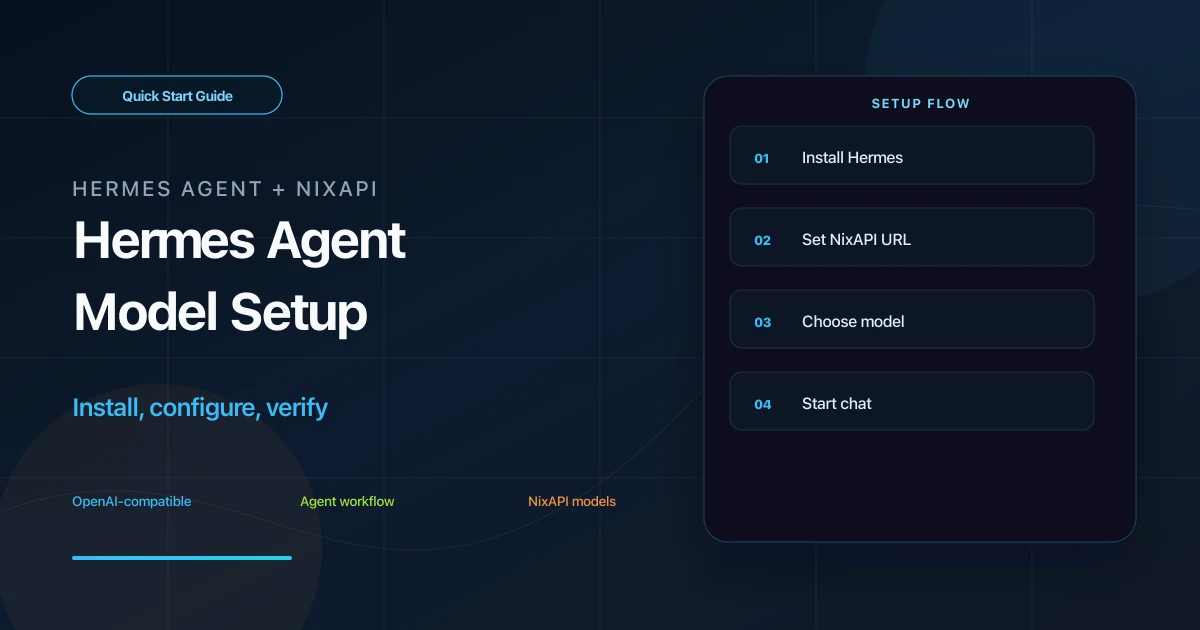
Hermes Agent is an AI agent tool that can run locally or on a server. It works from the terminal and can also be connected to chat platforms such as Feishu or Telegram. Because Hermes supports OpenAI-compatible APIs, you can point it to a third-party gateway such as NixAPI and use GPT, Claude, Gemini, DeepSeek, MiniMax, and other models with one configuration.
This guide follows the shortest path: install Hermes Agent, enter the Base URL and API Key, choose a model, then verify that the terminal chat works.
Prerequisites
Before you start, prepare:
- A macOS, Linux, or Windows machine
- A NixAPI API Key
- Terminal or PowerShell access
If you do not have a key yet, create an account from the NixAPI homepage, then open the NixAPI console and create an API Key. NixAPI is OpenAI-compatible, so in Hermes Agent you can choose OpenAI or OpenAI Compatible as the provider type.
NixAPI currently has a limited-time top-up exchange rate: RMB 0.80 = USD 1.00. If you plan to run longer agent tasks, check your balance before testing.
Step 1: Install Hermes Agent
macOS / Linux
Open your terminal and run the installer:
curl -fsSL https://raw.githubusercontent.com/NousResearch/hermes-agent/main/scripts/install.sh | bash
After installation, reload your shell configuration:
source ~/.zshrc
If you use bash, run:
source ~/.bashrc
Windows
Open PowerShell as Administrator and run:
irm https://raw.githubusercontent.com/NousResearch/hermes-agent/main/scripts/install.ps1 | iex
If Windows shows a security prompt, allow the script to continue. The first installation may take a few minutes depending on your network and local dependencies.
Step 2: Configure NixAPI as the Model Provider
Run:
hermes config
In the setup wizard, find the AI provider settings and fill in:
| Field | Value |
|---|---|
| Provider type | OpenAI or OpenAI Compatible |
| API Key | Your NixAPI API Key |
| Base URL | https://nixapi.com/v1 |
The Base URL must include /v1:
https://nixapi.com/v1
If the wizard does not expose a Base URL field, edit the configuration file directly:
- macOS / Linux:
~/.hermes/config.yaml - Windows:
%USERPROFILE%\.hermes\config.yaml
Example:
provider:
  type: openai
  api_key: nix-your-api-key
  base_url: https://nixapi.com/v1
  model: claude-sonnet-4-20250514
Replace nix-your-api-key with your real key. For the model name, copy the exact model ID from the NixAPI supported models page.
Step 3: Choose a Model and Start Chatting
After saving the provider configuration, run:
hermes model
You can start with one of these model IDs:
claude-sonnet-4-20250514claude-opus-4-7gpt-5.4gemini-3-pro-previewdeepseek-v4minimax-m3
Model IDs must match the platform exactly. Pricing varies by model, so check the NixAPI model pricing page before long-running tests.
Start Hermes:
hermes
Then send a simple prompt:
Turn today's tasks into a prioritized checklist.
If Hermes returns an answer, the installation, API Key, Base URL, and model configuration are working.
Step 4: Optional Chat Platform Gateway
Hermes Agent can also connect to external chat platforms through its gateway. For Feishu, open a new terminal and run:
hermes gateway setup
Choose feishu, then enter the App ID and App Secret from your Feishu developer app.
On Windows, if you see a missing lark-oapi dependency error, install it into the virtual environment used by Hermes instead of your system Python:
<hermes-venv-path>/bin/pip install lark-oapi
Troubleshooting
401 Unauthorized
Check whether the API Key was copied completely, whether it has leading or trailing spaces, and whether the NixAPI account is active. If needed, create a fresh test key from the NixAPI console.
404 Not Found
The Base URL is usually wrong. For Hermes Agent, use:
https://nixapi.com/v1
Do not omit /v1.
model not found
The model name does not match a supported model ID. Copy it from the NixAPI supported models page.
How do I switch models?
Use /model in the Hermes chat, run:
hermes model
or edit the model field in ~/.hermes/config.yaml.
Summary
Hermes Agent runs the local agent workflow, while NixAPI provides a unified OpenAI-compatible model endpoint. Once configured, you can reuse the same Base URL and API Key and switch models by changing only the model ID.
Try NixAPI Now
Reliable LLM API relay for OpenAI, Claude, Gemini, DeepSeek, Qwen, and Grok with ¥1 = $1 top-up
Sign Up Free